



















Pulsenet365

HR ON MICROSOFT DYNAMICS 365 BUSINESS CENTRAL

You already own the platform. Put HR on it.

PulseNet365 brings recruitment, the digital personnel file, onboarding, leave, time, performance, training, expenses and payroll integration into one self-service platform, connected to your finance on Microsoft Dynamics 365 Business Central.
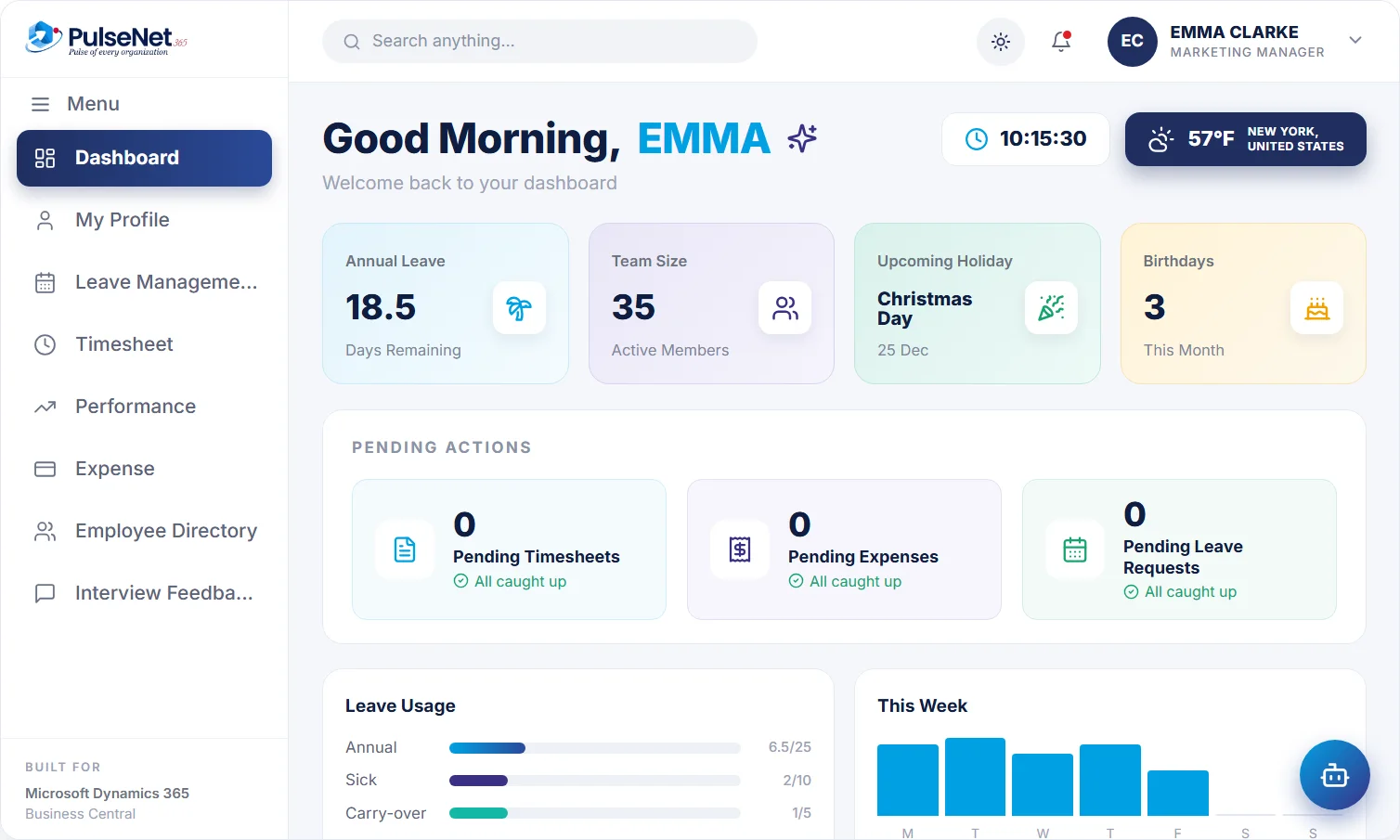
PulseNet365 employee self-service dashboard with sample data

Employee self-service dashboard. Illustrative screen with sample data.

✓

Leave approved

Emma Clarke · just now

✓

Claim filed by assistant

$24.50 · Riverside Grill

✓

Payroll-ready

245 employees · October

Employee self-service

Self-service HR your team actually loves.

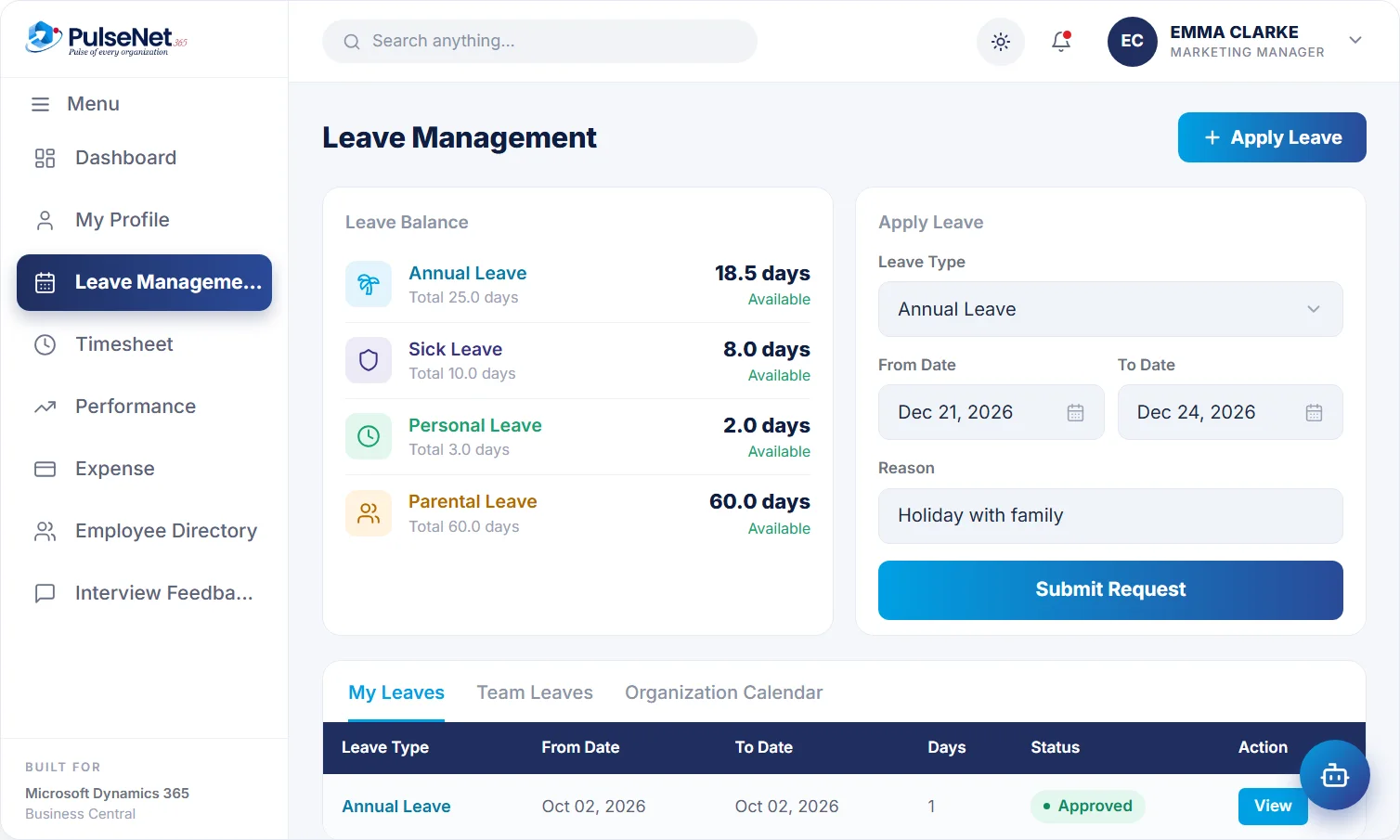
Profile, leave, payslips, requests and approvals — everything employees need in one place, on web and on mobile.

PR

AS

LC

MP

+5k

★

★

★

★

★

4.9/5

Loved by HR teams in 40+ countries

Leave & Absence. Illustrative screen with sample data.

Built on Business Central

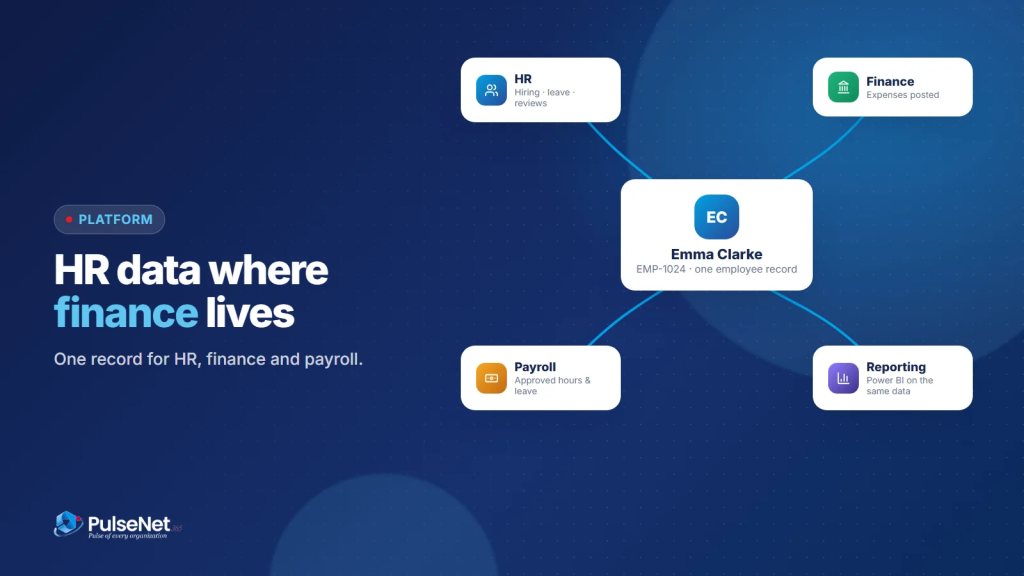
One employee record, connected end-to-end.

Hiring, onboarding, leave, payroll and performance stay in sync on Microsoft Dynamics 365 Business Central — no exports, no re-keying.
PR

AS

LC

MP

+5k

★

★

★

★

★

4.9/5

Loved by HR teams in 40+ countries

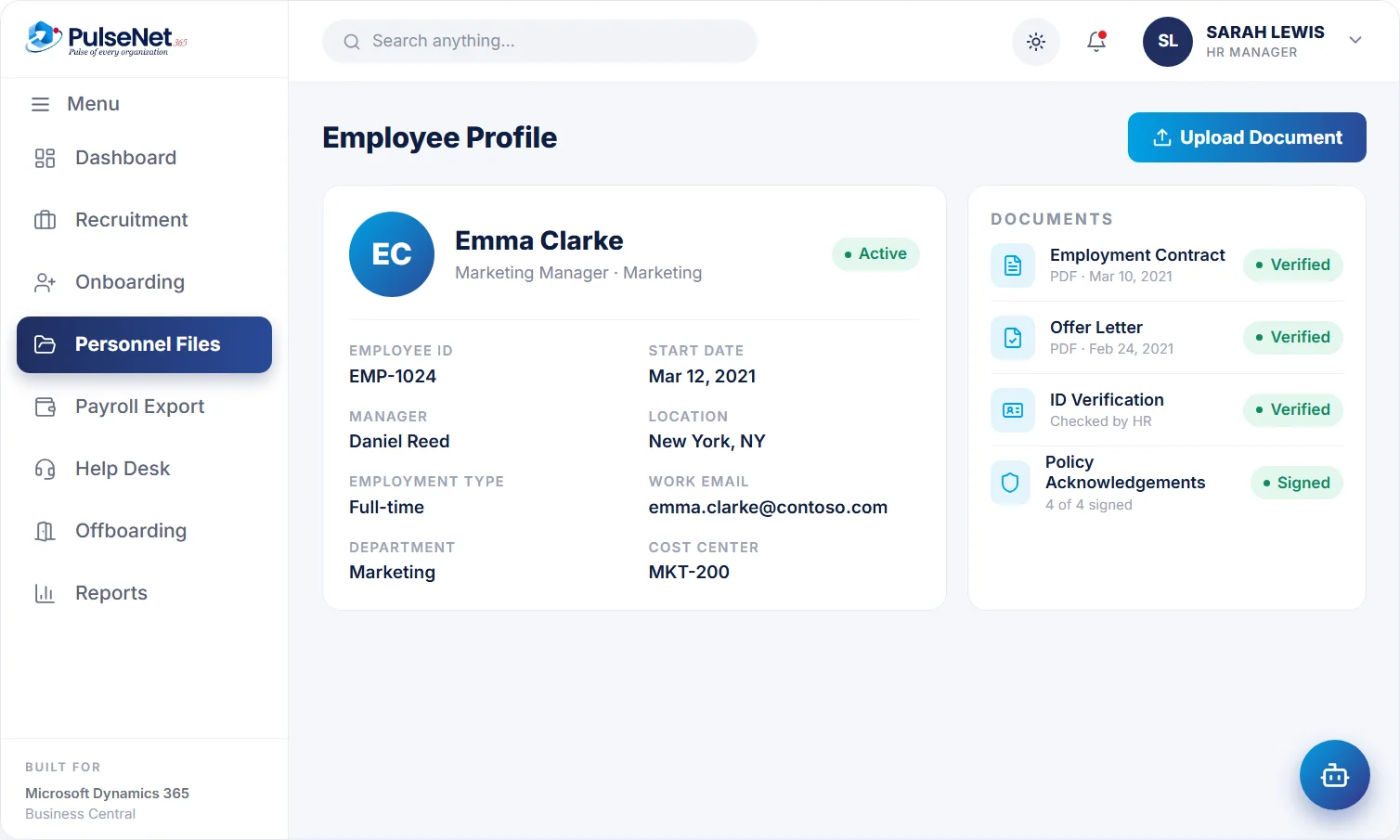
Digital personnel file. Illustrative screen with sample data.

EVERYDAY FRICTION

A disconnected HR function is not a small inconvenience.

The result is the same three frustrations, for employees, managers and HR.

Employees chase HR

For leave balances, payslips and approvals, because there is no single place to see them.

Managers approve everywhere

Across email, chat and spreadsheets, with no view of team leave or pending timesheets.

HR re-keys the same data

Between hiring, onboarding and payroll, with reconciliation eating into every week.

HOW PULSENET365 HELPS

One platform for the four teams who touch HR every day.

Employees, managers, HR and leadership all work from the same connected record. No exports, no app-switching.

Self-service for employees

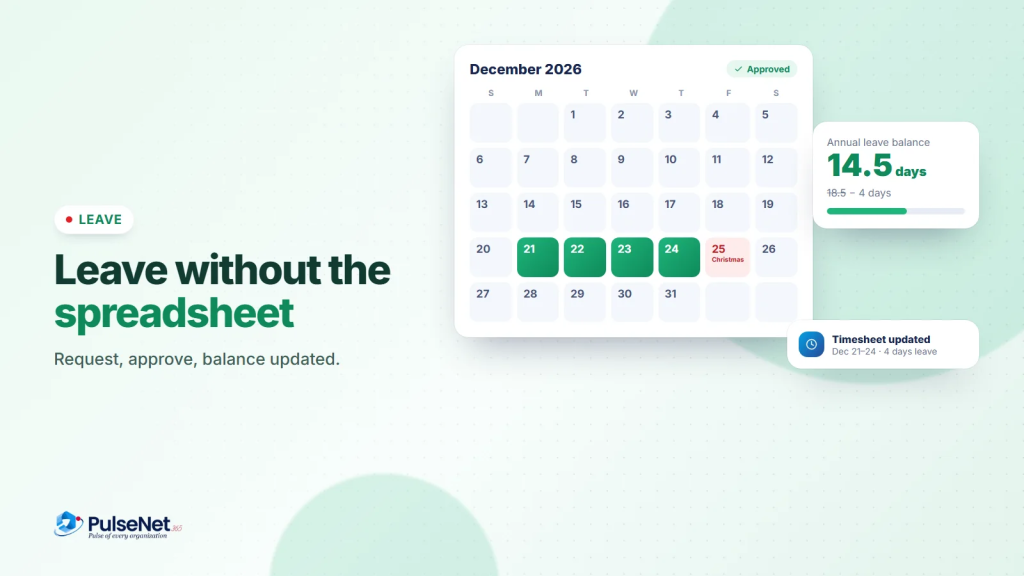
Profile, leave balance, payslips and pending actions in one place. Apply for leave and see the balance update.

PulseNet365 employee self-service dashboard with sample data

Approvals for managers

Team leave, pending timesheets and expense claims in one view, so every approval has full context.

PulseNet365 employee self-service dashboard with sample data

One connected record for HR

Hiring, onboarding, the digital personnel file and payroll-ready data, all linked to one employee record.

PulseNet365 employee self-service dashboard with sample data

The whole workforce, at a glance

Headcount, leave, approvals and activity come from the same employee record, so leaders see one set of numbers.

PulseNet365 employee self-service dashboard with sample data

LEADERSHIP VIEW

The whole workforce, at a glance.

Headcount, leave, approvals and activity come from the same employee record, so leaders see one set of numbers instead of three spreadsheets.

Workforce command centre

Live · sample data

245

Employees

+2 this month

5

Open requisitions

47 applicants

12

On leave today

of 245

7

Approvals waiting

avg 3.1 h

Headcount, last 12 months

Headcount over the last 12 months (sample data)

Leave mix, this quarter

Leave mix this quarter (sample data)

Activity

BUILT FOR MICROSOFT DYNAMICS 365 BUSINESS CENTRAL

Approved once. Posted where finance already works.

Standalone HR tools create another silo. PulseNet365 keeps HR, finance and payroll data on Microsoft Dynamics 365 Business Central, so candidates become employees, approved expenses reach finance, and approved leave is ready for payroll without anyone re-keying anything.

Microsoft-grade security

Hosted on Microsoft Azure with role-based access.

HR + finance + payroll data

One employee record across every department.

AI assistant for HR

Apply for leave, file a receipt or ask a policy question, 24/7.

Power Automate

Extend approvals and notifications with your own flows.

Power BI

Workforce dashboards on the same data.

Power Apps

Build extra HR apps where you need them.

HOW IT WORKS

Four steps from spreadsheet chaos to one connected record.

STEP 01

Configure on Business Central

Set up your policies, modules, departments and approvals, once.

STEP 02

Employees self-serve

Profile, leave, expenses and tickets, all from one dashboard.

STEP 03

Managers approve in a click

With full context on balances, overlaps and timesheets.

STEP 04

HR gets one connected record

Hiring, onboarding, payroll data and performance, all linked.

FROM THE BLOG

Honest writing about HR that actually works.

READY WHEN YOU ARE

See PulseNet365 with your own HR processes.

We will walk you through the modules that matter for your team. No slide deck.